> ## Documentation Index
> Fetch the complete documentation index at: https://docs.righthand.ai/llms.txt
> Use this file to discover all available pages before exploring further.
# Connection Types
> Understand the different ways to connect tools and services to your Righthands
## Overview
Connections give your Righthands access to the tools and services they need to do their job. There are three types of connections supported on the Righthand platform.
All credentials and connection data are **encrypted at rest** and **in transit**, so your sensitive information is always protected.
## OAuth (Recommended)
OAuth is the preferred way to connect services to your Righthands. It provides direct access to third-party services — like Google Workspace, Slack, HubSpot, and more — without sharing your password, and gives you [granular tool permissions](/guides/add-a-connection#tool-permissions) to control exactly what your Righthands can do with each connection.
Righthand supports **over 1,500 integrations** through OAuth via Pipedream and Composio.
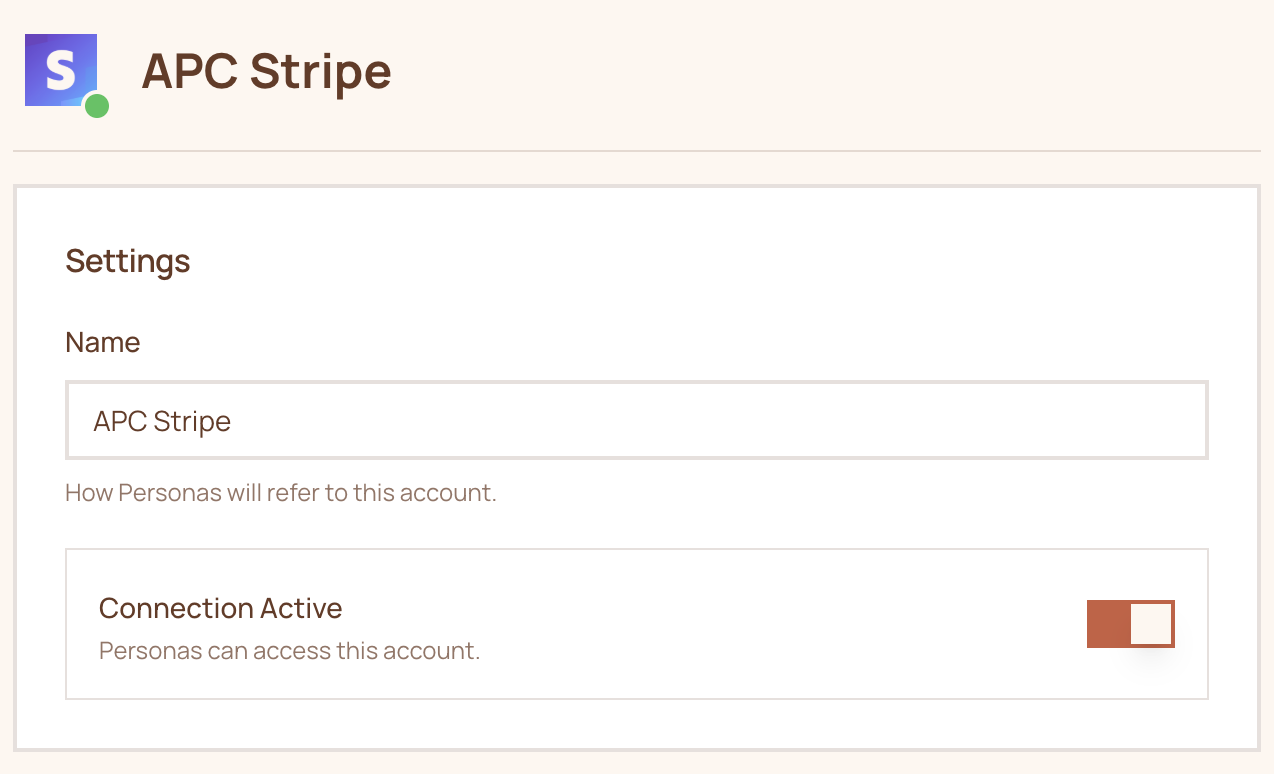 ## Credentials
For services that don't support OAuth, you can connect using a username and password (or API key). When using credentials, your Righthand logs into the account through the browser — just like a human would.
If the service requires multi-factor authentication (MFA), your Righthand will need to complete the MFA challenge during login. Keep this in mind when connecting MFA-protected accounts.
### How to add a credentials connection
Credentials connections are managed from the Righthand's detail page:
1. Navigate to the [Team page](https://teams.righthand.ai/teams/people) and click on the Righthand you want to configure.
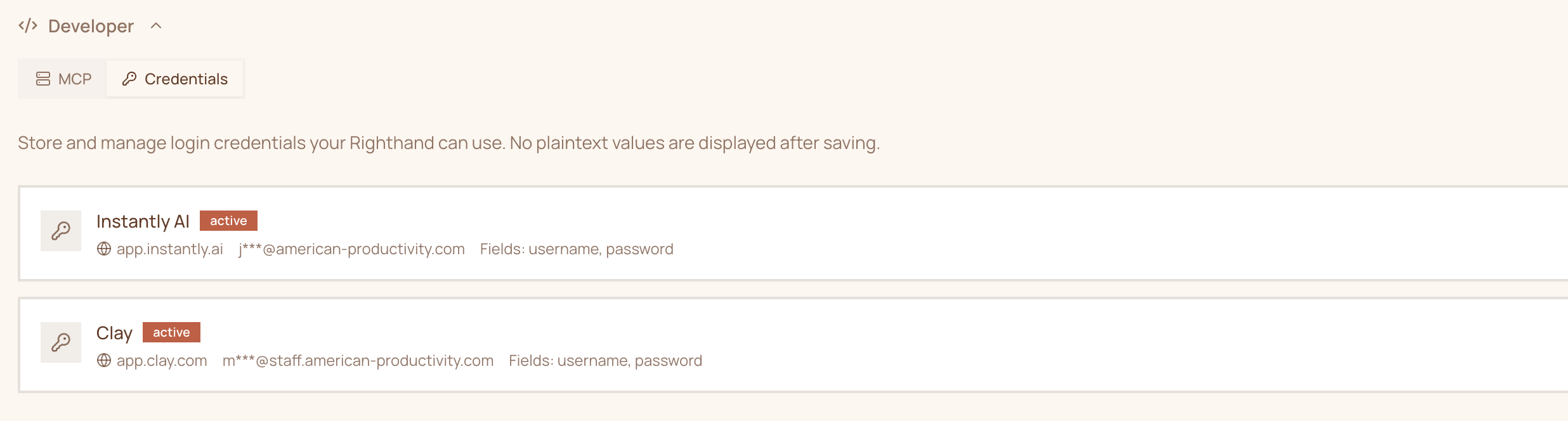
2. Scroll to the bottom of the detail page and click **Developer** to reveal the Credentials section.
3. Add the credentials for the service.
## Credentials
For services that don't support OAuth, you can connect using a username and password (or API key). When using credentials, your Righthand logs into the account through the browser — just like a human would.
If the service requires multi-factor authentication (MFA), your Righthand will need to complete the MFA challenge during login. Keep this in mind when connecting MFA-protected accounts.
### How to add a credentials connection
Credentials connections are managed from the Righthand's detail page:
1. Navigate to the [Team page](https://teams.righthand.ai/teams/people) and click on the Righthand you want to configure.
2. Scroll to the bottom of the detail page and click **Developer** to reveal the Credentials section.
3. Add the credentials for the service.
 ## MCP (Model Context Protocol)
MCP connections allow your Righthands to interface with services that implement the Model Context Protocol. This is an open standard that enables AI employees to interact with tools and data sources in a structured way. Unlike OAuth and Credentials, MCP servers are loaded directly into the Righthand.
### How to add an MCP connection
MCP connections are managed from the Righthand's detail page:
1. Navigate to the [Team page](https://teams.righthand.ai/teams/people) and click on the Righthand you want to configure.
2. Scroll to the bottom of the detail page and click **Developer** to reveal the MCP section.
3. Add the MCP server configuration.
## MCP (Model Context Protocol)
MCP connections allow your Righthands to interface with services that implement the Model Context Protocol. This is an open standard that enables AI employees to interact with tools and data sources in a structured way. Unlike OAuth and Credentials, MCP servers are loaded directly into the Righthand.
### How to add an MCP connection
MCP connections are managed from the Righthand's detail page:
1. Navigate to the [Team page](https://teams.righthand.ai/teams/people) and click on the Righthand you want to configure.
2. Scroll to the bottom of the detail page and click **Developer** to reveal the MCP section.
3. Add the MCP server configuration.
 Ready to connect your first service? See [Adding Your First Connection](/guides/adding-your-first-connection) for a walkthrough.
Need help? Reach out to us at [support@humans.righthand.ai](mailto:support@humans.righthand.ai).
Ready to connect your first service? See [Adding Your First Connection](/guides/adding-your-first-connection) for a walkthrough.
Need help? Reach out to us at [support@humans.righthand.ai](mailto:support@humans.righthand.ai).